React6 min read
Building a JSON-Driven UI Renderer in React and TypeScript
How a typed component registry turns product configuration into UI, so new configurations ship without rebuilding screens by hand.
By Nitin Wagmode
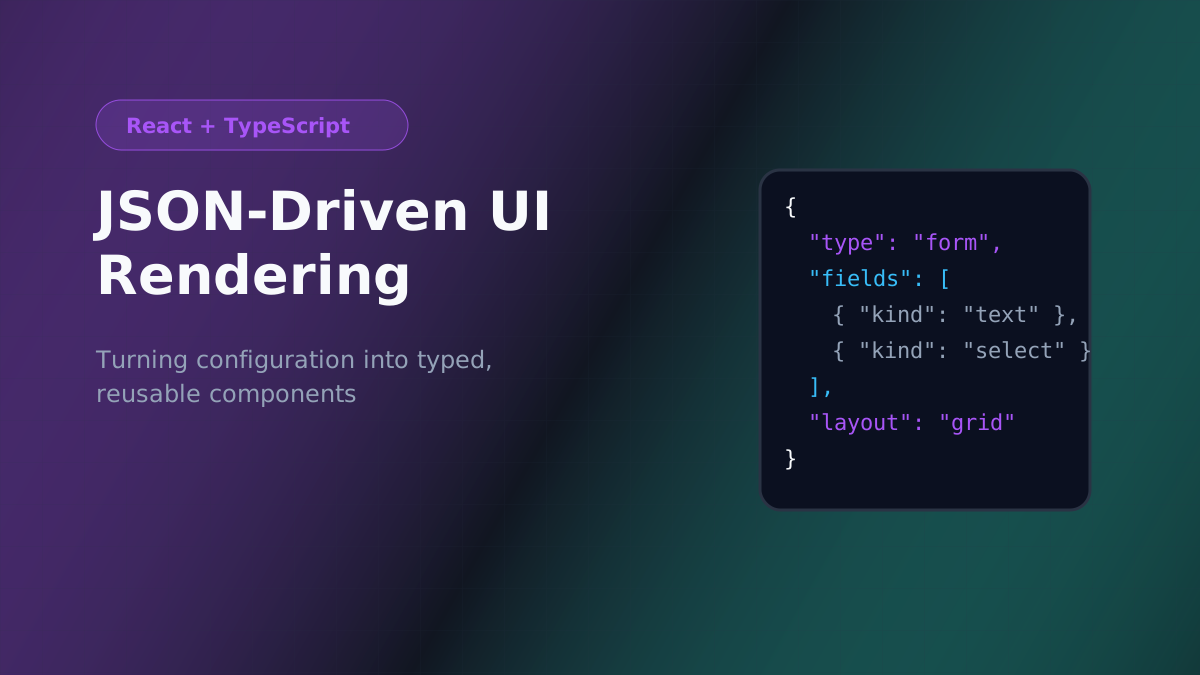
When every new product configuration needs a developer to rebuild a screen, the UI becomes the bottleneck. A JSON-driven renderer flips that: the screen is described as data, and a small, well-typed engine turns that data into components.
This post walks through the core ideas behind that kind of engine — a typed schema, a component registry, and a recursive renderer.
1. Describe nodes with a discriminated union
TypeScript's discriminated unions make the schema self-documenting and let the compiler check every node type.
type BaseNode = { id: string; visibleWhen?: Condition };

type TextField = BaseNode & { kind: "text"; label: string; name: string; required?: boolean };
type SelectField = BaseNode & { kind: "select"; label: string; name: string; options: string[] };
type Section = BaseNode & { kind: "section"; title: string; children: UINode[] };
type Grid = BaseNode & { kind: "grid"; columns: 1 | 2 | 3; children: UINode[] };

export type UINode = TextField | SelectField | Section | Grid;
2. Map each kind to a component
The registry is the only place that knows which React component renders which node. Typing it with a mapped type means adding a new kind without a component is a compile error.
type Registry = {
  [K in UINode["kind"]]: React.ComponentType<{ node: Extract<UINode, { kind: K }> }>;
};

const registry: Registry = {
  text: TextFieldNode,
  select: SelectFieldNode,
  section: SectionNode,
  grid: GridNode,
};
3. Render recursively
Container nodes render their children with the same function, so layouts nest naturally.
export function RenderNode({ node }: { node: UINode }) {
  const values = useFormValues();
  if (node.visibleWhen && !evaluate(node.visibleWhen, values)) return null;

  const Component = registry[node.kind] as React.ComponentType<{ node: UINode }>;
  return <Component node={node} />;
}

function SectionNode({ node }: { node: Section }) {
  return (
    <section aria-labelledby={`${node.id}-title`}>
      <h3 id={`${node.id}-title`}>{node.title}</h3>
      {node.children.map((child) => (
        <RenderNode key={child.id} node={child} />
      ))}
    </section>
  );
}
4. Validate configuration at the boundary
Configuration usually arrives from an API, so it's untrusted until checked. Validate once when it's loaded, show a clear error for a bad configuration, and let the renderer assume valid data from then on.
5. Keep components reusable outside the engine
The field components behind the registry are ordinary, accessible React components with labels, errors, and keyboard support. That keeps them usable on hand-built screens too, and keeps the engine small.
When this pattern fits
A JSON-driven renderer is worth it when many screens share the same building blocks and differ mainly in arrangement and rules. It's overkill for a handful of bespoke screens — a shared component library is enough there.
Checklist
- The schema is a discriminated union, so every node is type-checked.
- A typed registry maps each
kindto exactly one component. - Containers render children recursively.
- Configuration is validated once at load time.
- Registry components are normal, accessible, reusable React components.
- #React
- #TypeScript
- #Architecture
Keep reading
- Oct 24, 2026
TypeScript Best Practices for React Applications
Practical TypeScript patterns for React: typing props and children, events, state, refs, reusable components, discriminated unions, API data, and strict compiler settings.5 min read - Oct 24, 2026
Getting Started with React.js
A beginner-friendly introduction to React: setting up a project with Vite, JSX, components, props, state, events, and rendering lists.5 min read - Oct 24, 2026
React Hooks and State Management: Practical Patterns
Practical patterns for useState, useReducer, useEffect, custom hooks, and Context, plus how to choose between local state, Redux Toolkit, and server-state libraries.6 min read